
These are the type of users that use a unique voucher code to access the internet. These codes are generated in bulk from the Admin Portal and provide quick, controlled access without requiring full user registration.
-
Voucher redemption happens via the User Portal.
-
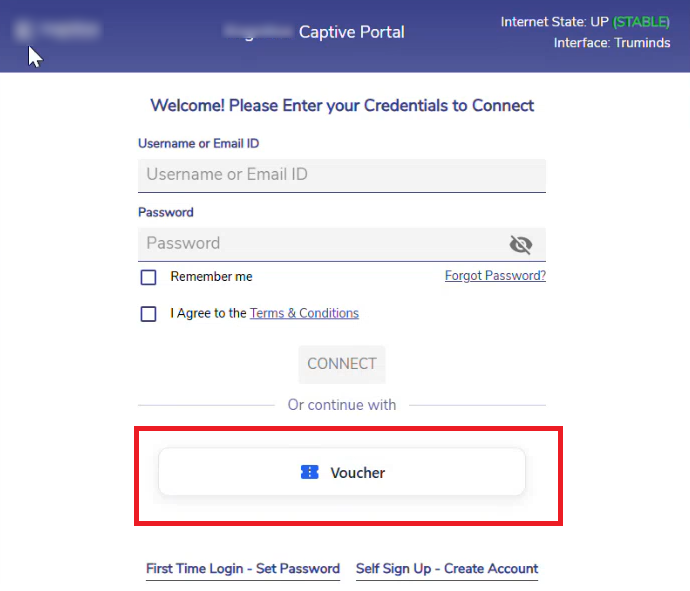
If the Voucher Access is enabled in the Portal Manager screen, users will see the Voucher login option in the User Portal login window.
-
Click the Voucher option.
-
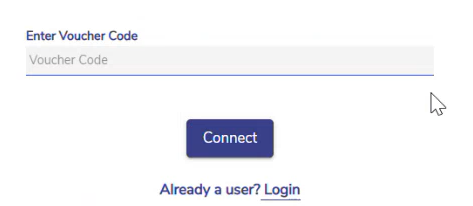
Enter the Voucher Code.
-
Click the Connect button.
-
The Voucher is redeemed and a user account is created.
-
The user will be logged into the CAN User portal.
-
The vouchered users must follow this same method for future logins.